
Notion is a connected workspace that allows you to @ mention users, groups, pages, and dates.
Comments, mentions & reminders – Notion Help Center
When you want to get other people in your workspace to look at something, you can mention them anywhere inside a page, database, comment, or discussion.
Type @ followed by the person or group's name. A pop up menu will search for them in real-time. Press enter to choose the one you want
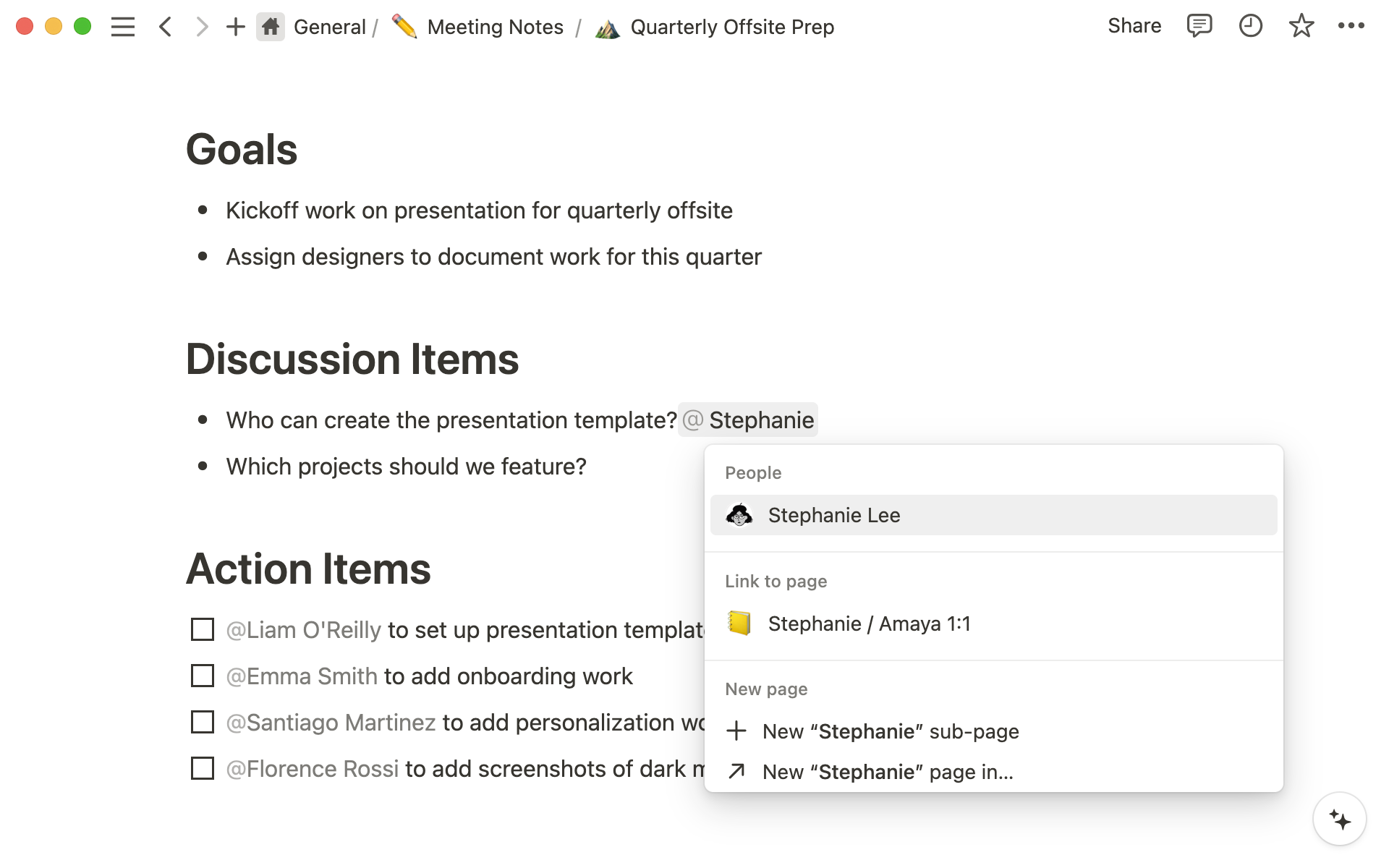
To reference and add an in-line link to another page inside a Notion page, type @ followed by the page's title. You'll see a menu pop up that'll search for that page in real-time. Find the right one and press enter. Now you and others can jump to the linked page directly.
https://videos.ctfassets.net/spoqsaf9291f/2QmzV366wZigBJvrZFFGX4/87e3d5b7228d6d7c2fc8dc1b738996d0/Mention_page.mp4
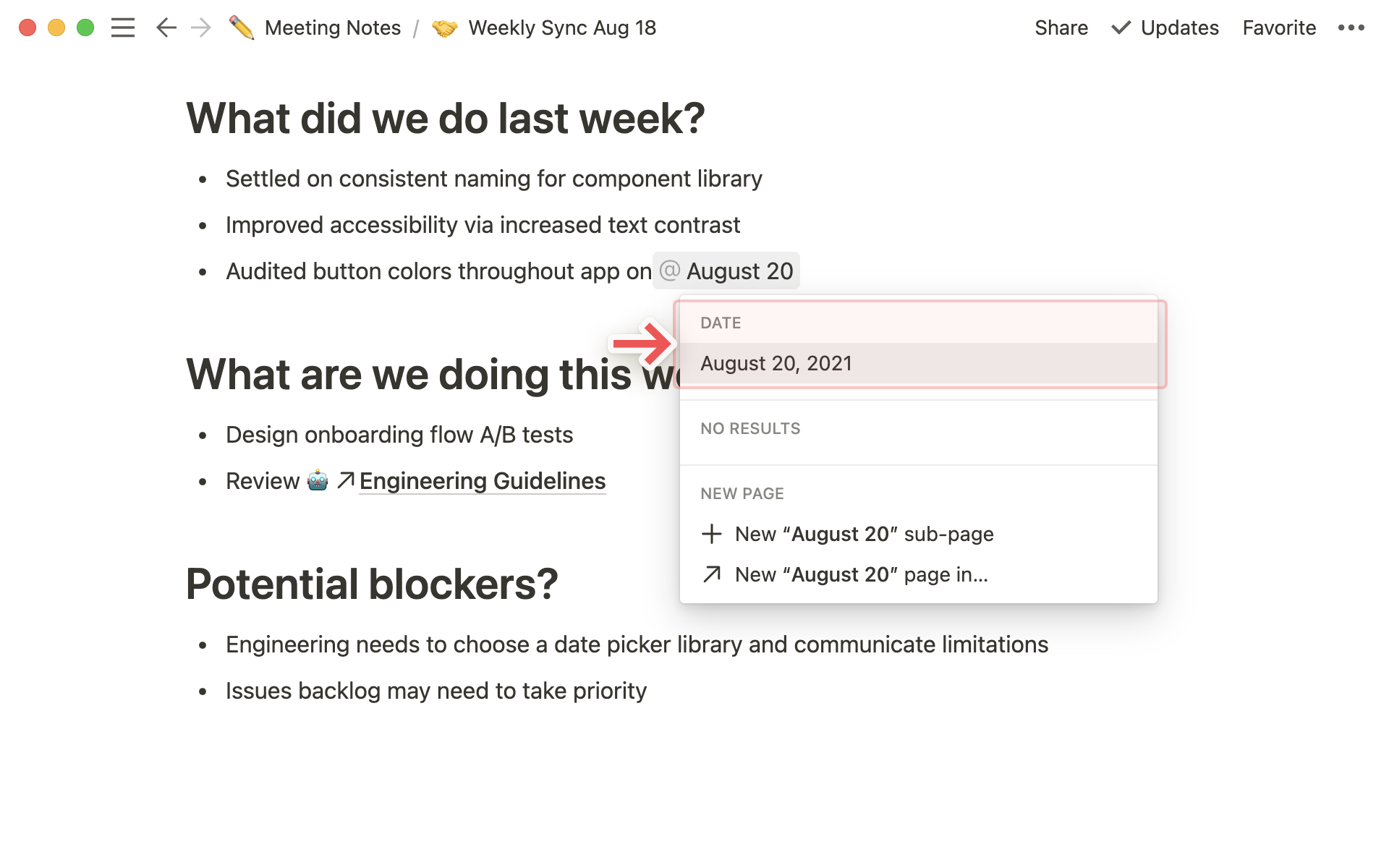
When you type @ followed by a date (or the words today, tomorrow, or yesterday), you'll add an in-line timestamp to your page. For example, typing @1/12 automatically adds a timestamp that looks like: January 12, 2021.
When you add a reminder, Notion will send you a notification to draw your attention back to a particular task, event, or page at the time you specify. This is helpful for setting due dates and making sure you never forget a thing.
@remind followed by a time, date, or both, i.e. @remind tomorrow, @remind 7pm, or @remind Wednesday at 1pm.https://videos.ctfassets.net/spoqsaf9291f/35lJPRZiSYDRXcxBGhqmxD/8a546dba23e0f7311406e84a11cbda62/Reminder_time.mp4